Text chat for quick lookups
Use text for a short policy question, a link or a concise FAQ answer when visitors want to scan and move on.
Digital humans
A digital human guides visitors through approved business information with a face and voice. Explore the Intel Simplicity AI guide in the live portal, then discuss the questions, boundaries and human follow-up your customer experience needs.
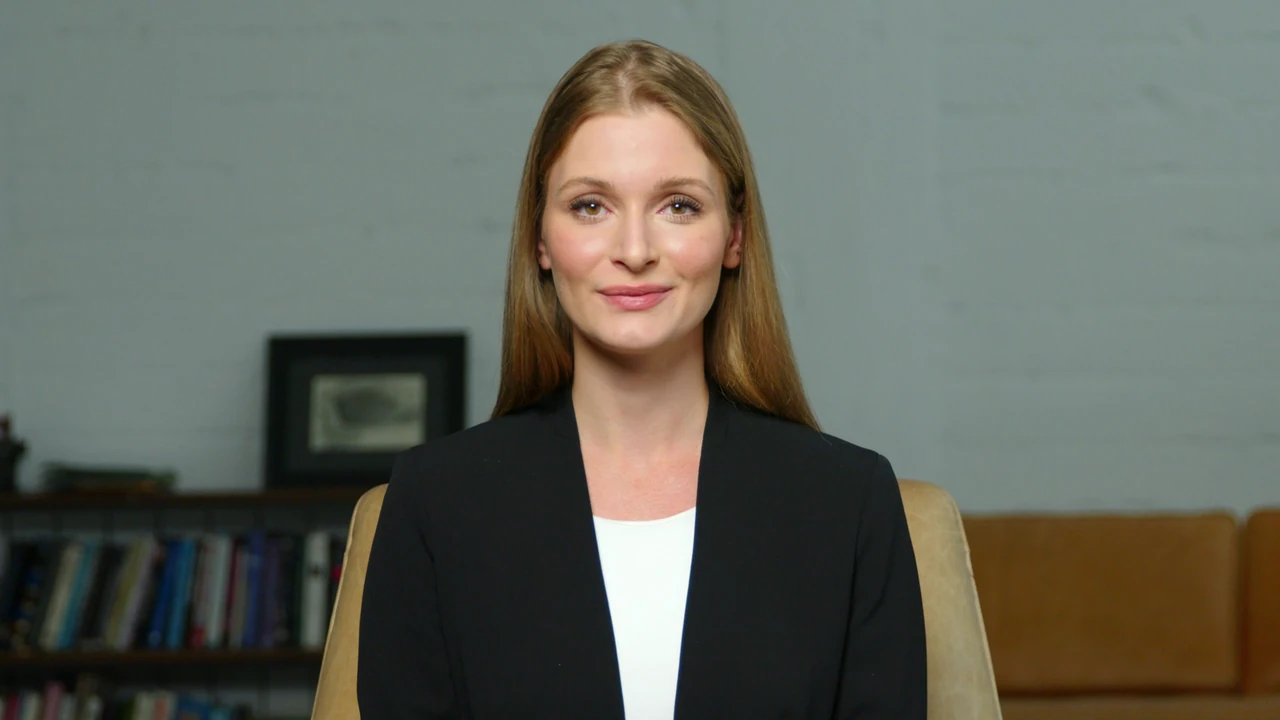
Ask about Intel Simplicity and explore a customer experience. Opens our live demo in a new tab.
A digital human presents a configured AI assistant through an on-screen avatar and spoken conversation. The face is a presentation layer; approved business knowledge and handoff rules still determine what the assistant should say.
The existing live Intel Simplicity guide above is an interactive demo opened by choice. No recorded customer session, verified customer result or additional recording is claimed here.
Use text for a short policy question, a link or a concise FAQ answer when visitors want to scan and move on.
Consider a digital human for onboarding or a service explanation where a spoken, guided exchange helps. Evaluate the content and next step, not just the avatar’s appearance.
Use it where a guided conversation genuinely helps. Everywhere else, plain chat is faster for the visitor.
Walk visitors through how a service works, what to prepare and what to expect next.
Help a visitor narrow options by asking about their situation instead of listing every variant.
Introduce new customers or learners to a process, portal or programme at their own pace.
The session opens with what it can help with, so expectations are set immediately.
A short set of questions replaces a long menu of options.
The explanation is grounded in your sources and matched to what the visitor described.
Book, request a callback, continue in text chat or download the relevant material.
When a person should take over, the transcript and captured details go with the visitor.
Digital humans fail when they are treated as decoration. These are the constraints we design around.
A guided entry point on a landing or service page for high-intent visitors.
An in-product guide for onboarding, education and account questions.
A staffed-feel experience for lobbies, showrooms and events.
Available presentation styles, voices and session limits depend on your package and configuration.
Support longer decisions where reassurance and clarity matter more than speed.
Greet portal or kiosk visitors and direct them to the right resource or person.
A signed-in guided surface for existing customers, clients or staff.
A dedicated experience for a specific launch, programme or offer.
Lifelike AI avatars that create personal, trust-building customer interactions. Give visitors a direct path into the full AI experience — website chat, trained knowledge, and a digital human interface built to explain, qualify, and guide in real time.
No account required to preview. The AI portal demo opens the live Intel Simplicity AI portal in a new tab.
A digital human is a conversational surface, not a gimmick. It works best where a spoken, guided explanation beats a wall of text: onboarding, education, product selection and higher-consideration decisions.
It uses the same approved knowledge, presented as a guided, spoken conversation. It suits education and higher-consideration moments; text chat is usually faster for quick lookups.
Yes. Every experience keeps a visible path to text chat and to your configured human handoff.
It answers from your approved sources. When there is no supporting source, it says so and follows the configured next step.
Onboarding, customer education, guided selection and portal experiences — anywhere a short guided explanation beats a long page of text.
Approved knowledge for the topic, a defined job for the experience, and agreement on handoff rules. Presentation options depend on your package and configuration.
Pick the moment where a guided explanation helps most. We will scope the experience, the knowledge behind it and the handoff.